ClickNotes turns your most-used clinical phrases into one-tap buttons. Tap and watch your notes insert into any app on Mac, Windows, iOS or Android device. No AI. No microphone. No cloud.
We've been really enjoying using ClickNotes, so we'll be sure to recommend it to others!
ClickNotes dramatically shortens note-writing time while also saving a lot of mental energy. It makes documenting notes quicker, easier, and far less tedious.
I used to use an old template that I would copy from, but I started using ClickNotes and just saved the template sentences as buttons — much quicker!
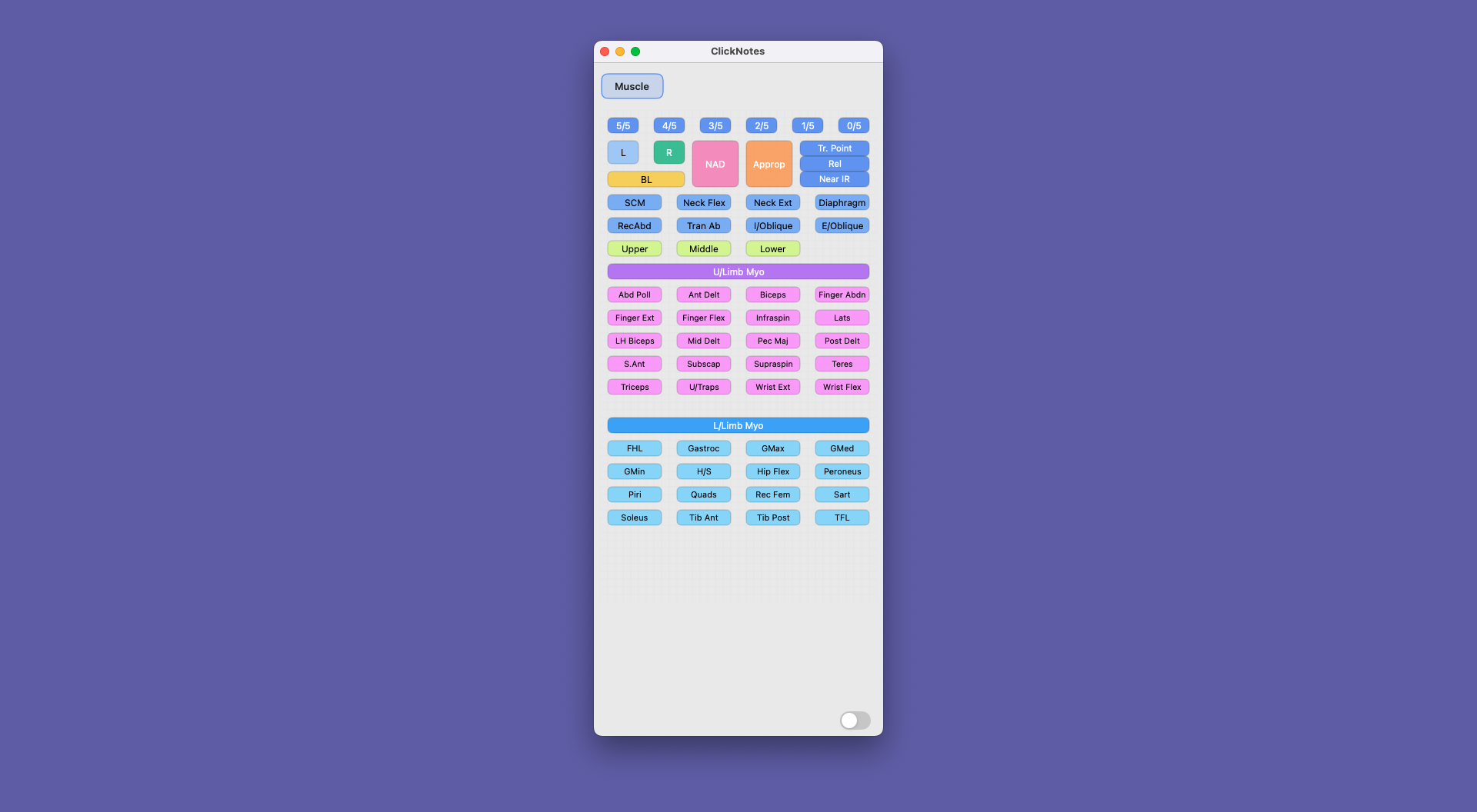
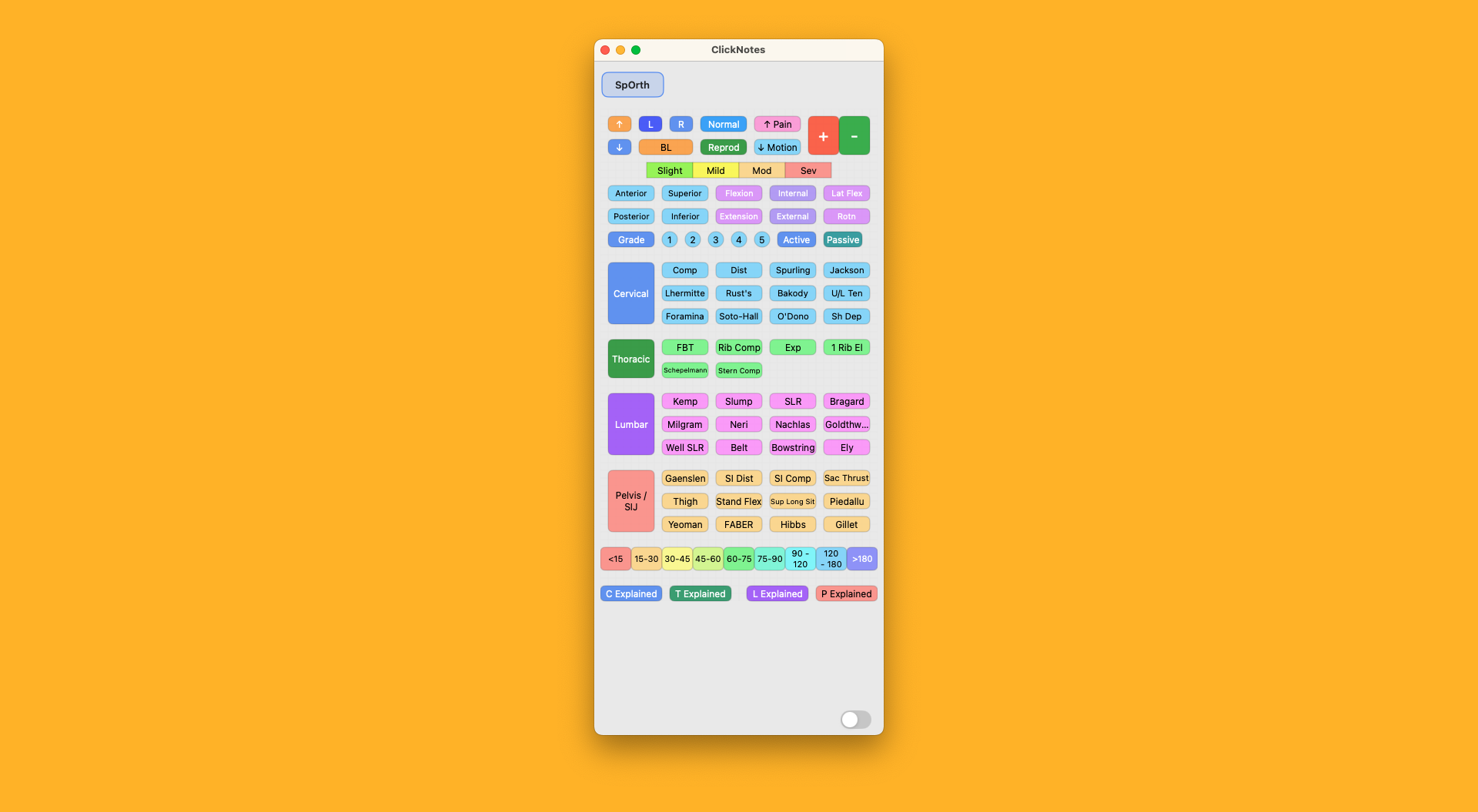
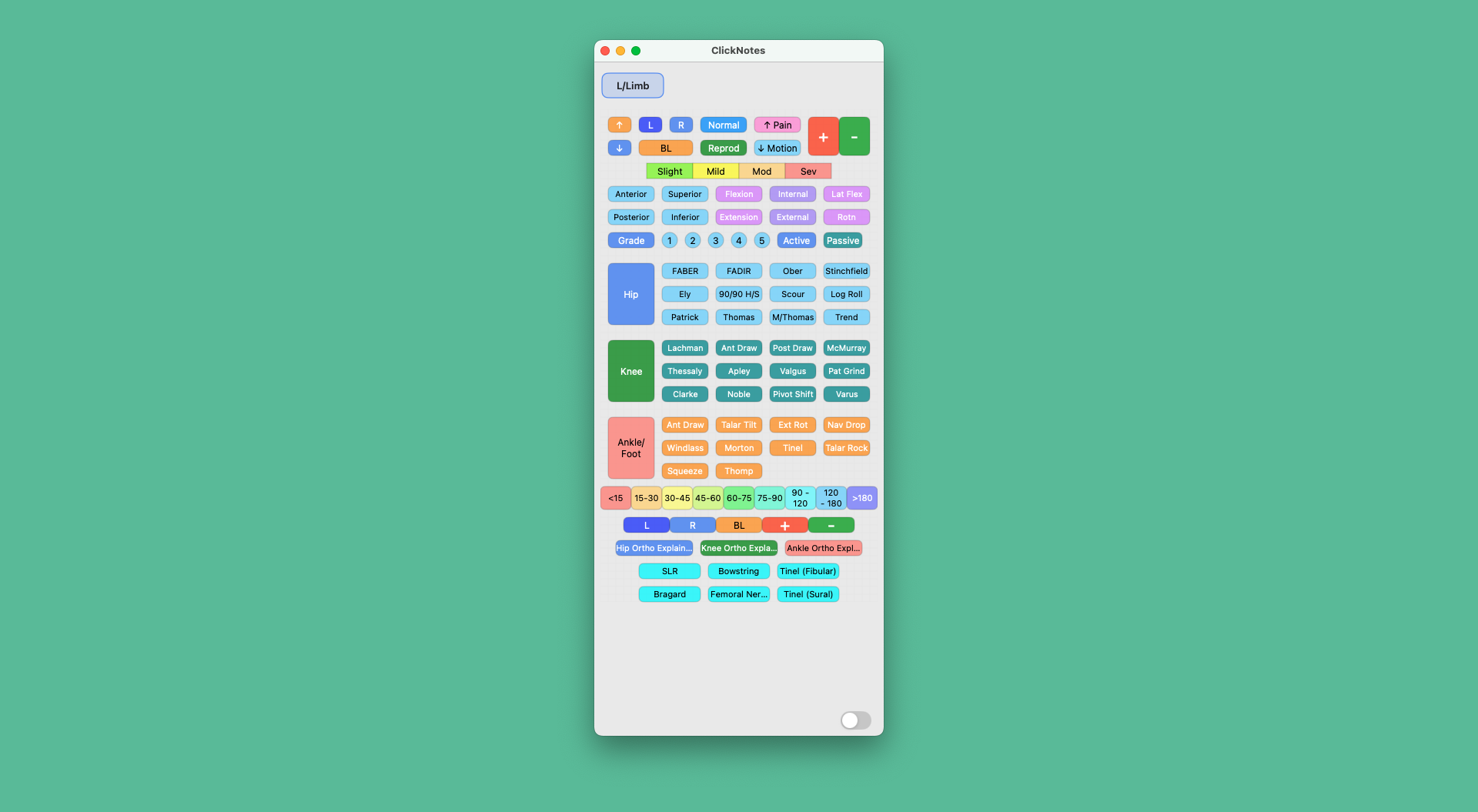
From vibrant myotome assessments to comprehensive peripheral exams, each panel is designed with its own colour palette and layout — organised the way your brain works.
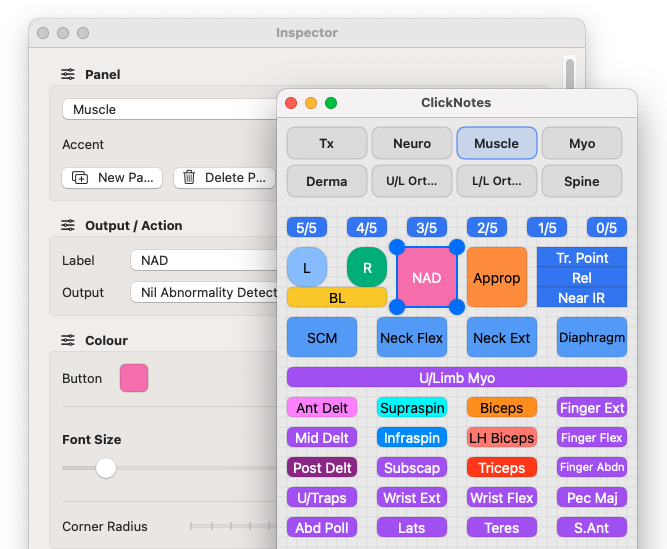
Resize, drag and snap buttons to a grid. Pick shapes and colours. Edit labels and outputs instantly. Your workflow, your layout.
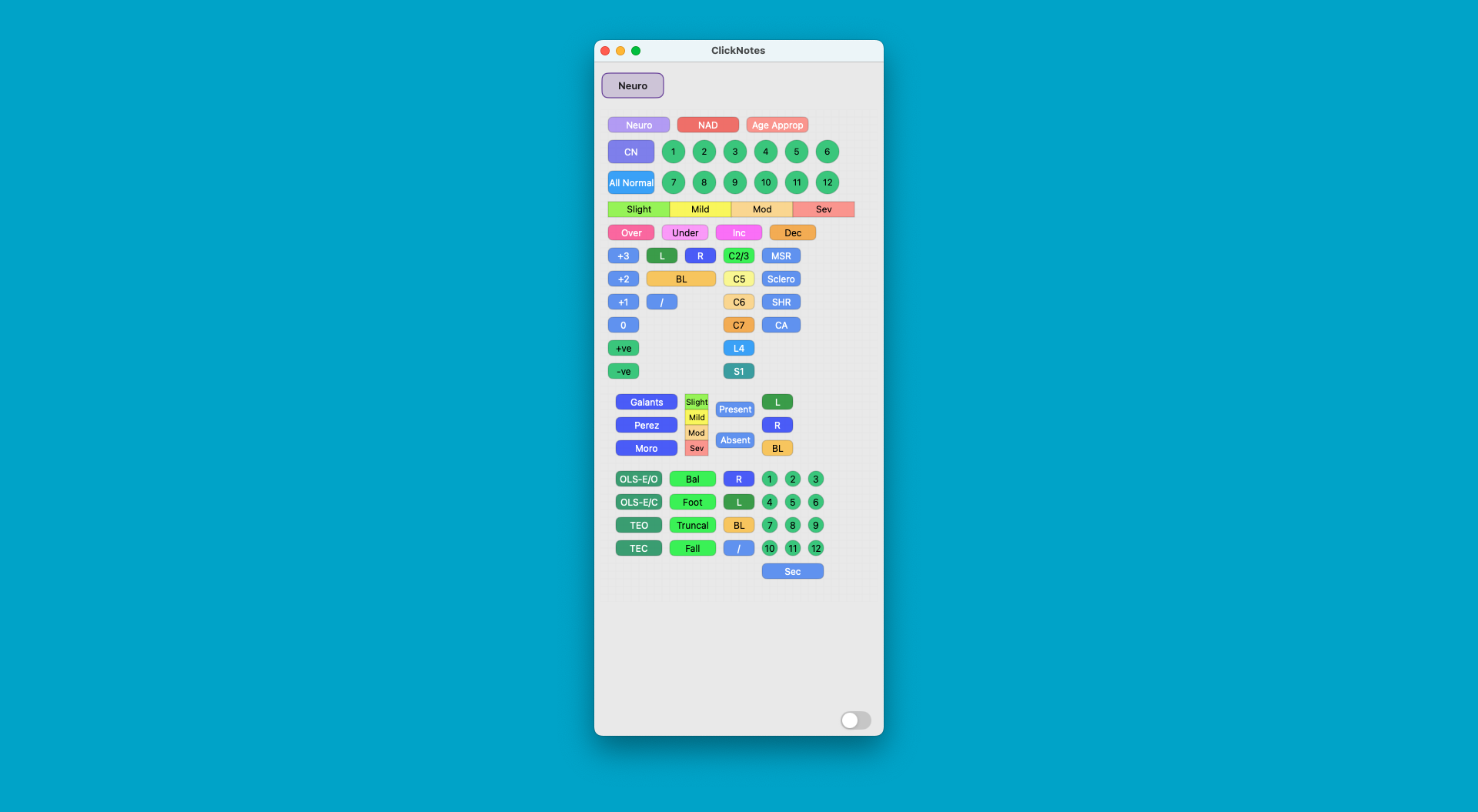
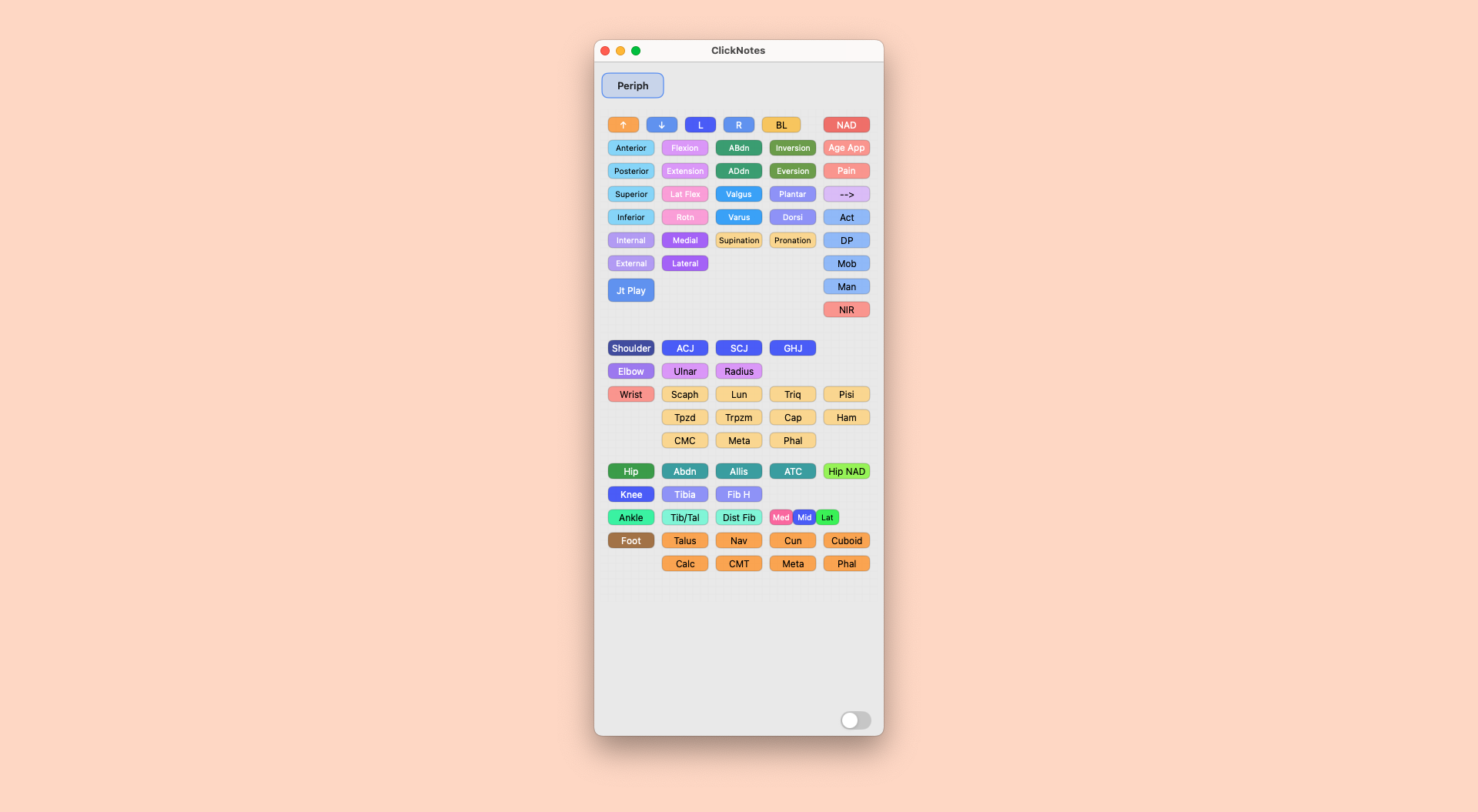
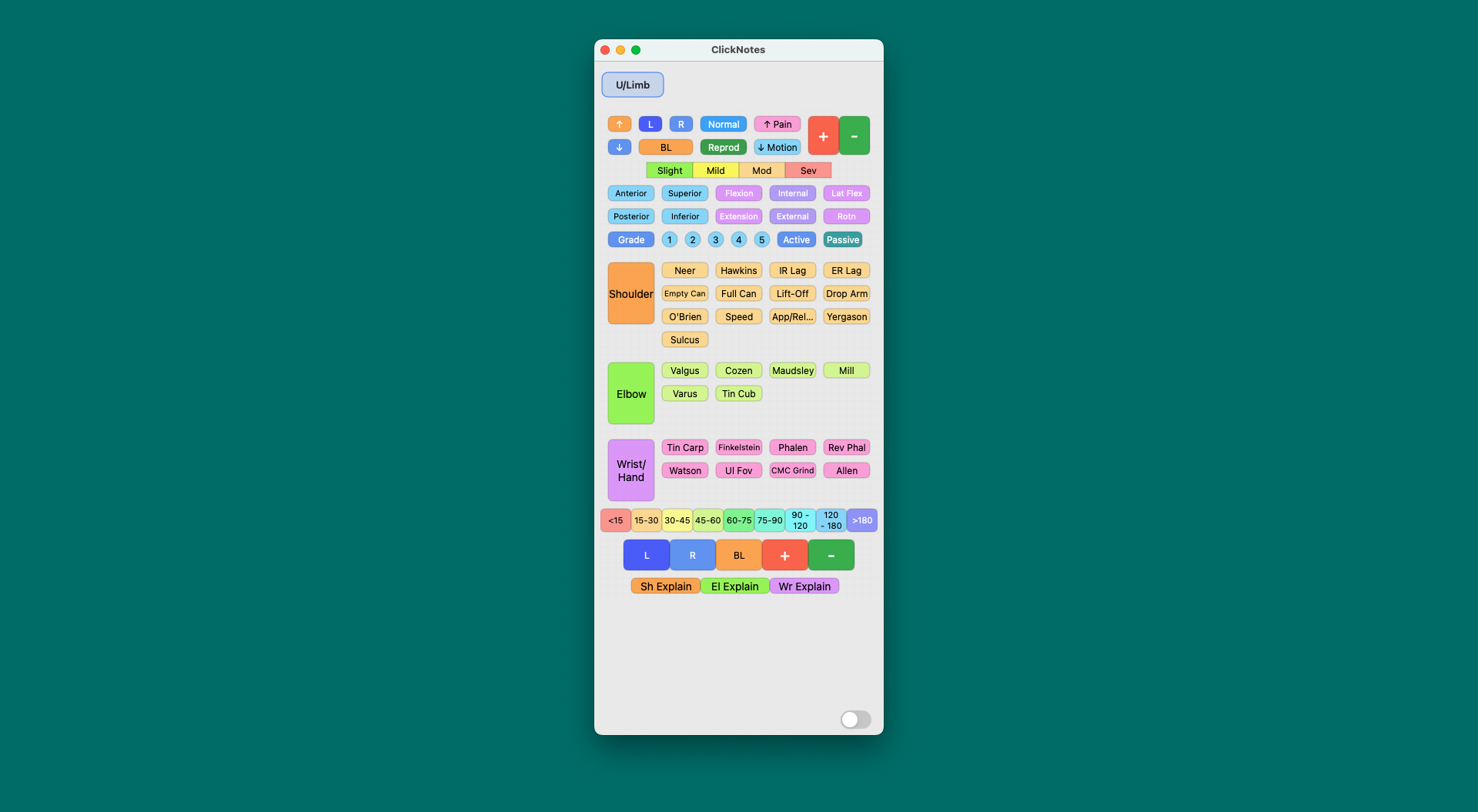
Lay out buttons the way you think. Position, resize, and group so the right phrase is always exactly where you expect it.
Export panels as .clk files and share with colleagues or across your own devices. One setup, everywhere.
Snap-to-grid keeps everything aligned. Clean panels mean faster scanning and fewer mistakes mid-consult.
Assign colours and labels so your panel maps to how your brain categorises clinical information.
Each button pastes pre-written text into any app that accepts keyboard input — EHR, email, notes, anywhere.
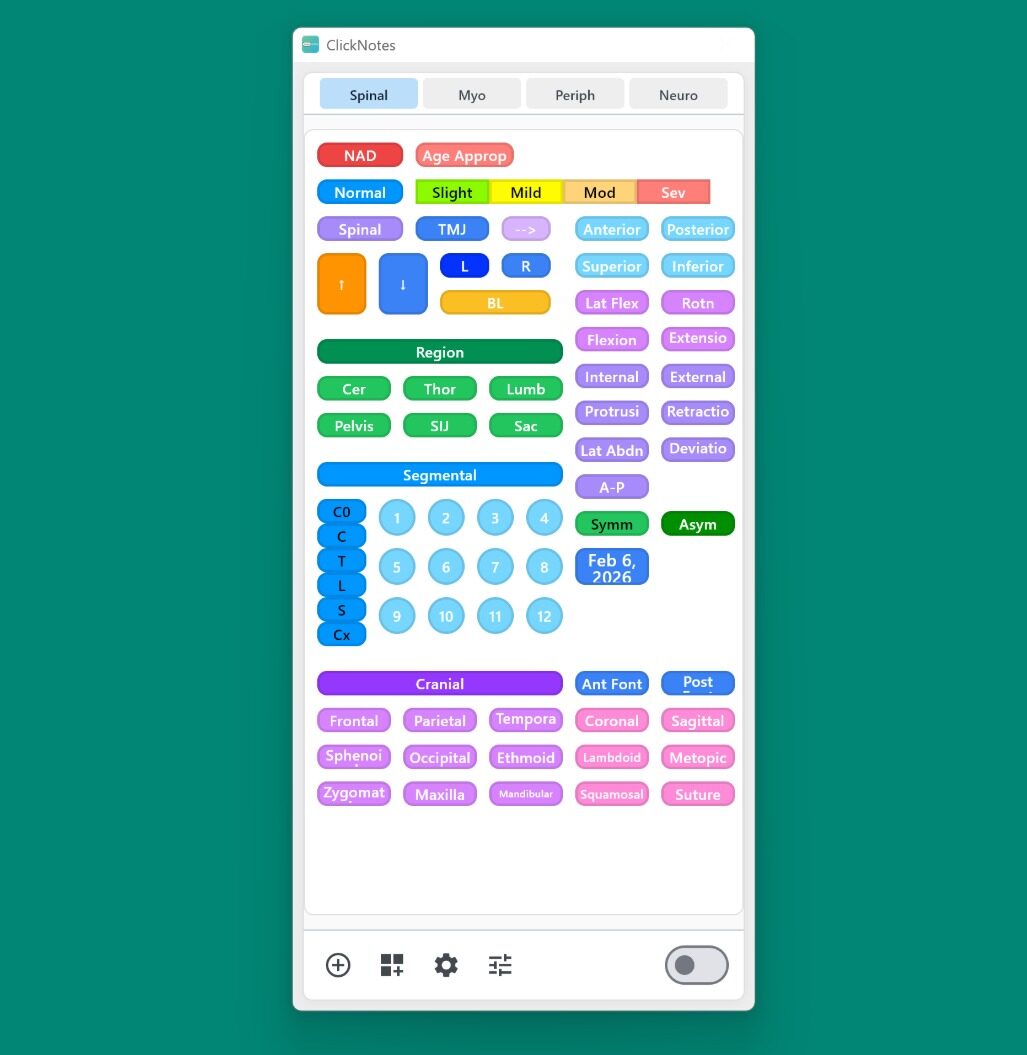
Tab between panels for different specialties or patient types. Rename and reorder to match your day.
Doctors, physios, chiropractors, dentists, nurses, allied health practitioners — swap layouts, colours and phrases so ClickNotes feels at home in your clinic, whatever you do.
No microphone. No audio recording. No patient data sent to any server — ever. ClickNotes works entirely offline, storing your panels locally on your own device. Your words, your phrasing, your clinical voice — just faster.
ClickNotes never records audio. Not even briefly.
All panels stored locally. Works fully offline.
Zero patient data leaves your device. Ever.
No AI writing text you then have to check.
14 days free on Mac, Windows, and iOS. No credit card required to start. Same panels, whichever device you're on. Cancel anytime.
No credit card required for trial
Premium panels available for one-time purchase in the Panel Library
No credit card required for trial
Already a desktop subscriber? Import your panels to your iOS or Android device from your desktop. Free panels included — or unlock your full panel library with a subscription.
macOS, Windows, Android and iOS (iPhone & iPad) are all supported with full cross-compatibility for panels. Keyboard extensions are only available on tablet-sized devices (iOS and Android).
Locally on your device. Export/import unique .clk files to share or back up. Nothing is stored in the cloud.
Yes — there's no dependency on a server or cloud connection. ClickNotes works entirely offline, always.
Buttons can inject text, paste images, open files, or launch URLs — mix and match across a panel to build exactly the workflow you need.
Mac running macOS 14.0 or later (Intel or Apple Silicon). Windows 10 (64-bit) or later. Desktop versions required for panel editing.
ClickNotes needs Accessibility access to output text into other apps. It does not read or upload your notes — all panels are stored locally on your device.
Download free for 14 days. No credit card required for trial. Works on macOS, Windows, iPad, and iPhone.
macOS · Windows · iPhone · iPad · No cloud · Cancel anytime