ClickNotes sits beside your EHR or notes app and injects pre-written text, images, links, and files wherever your cursor is. No dictation. No copy-paste. No delay.
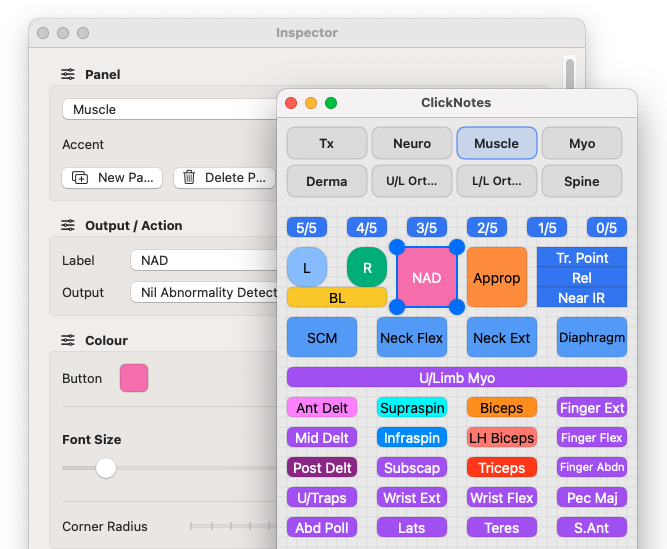
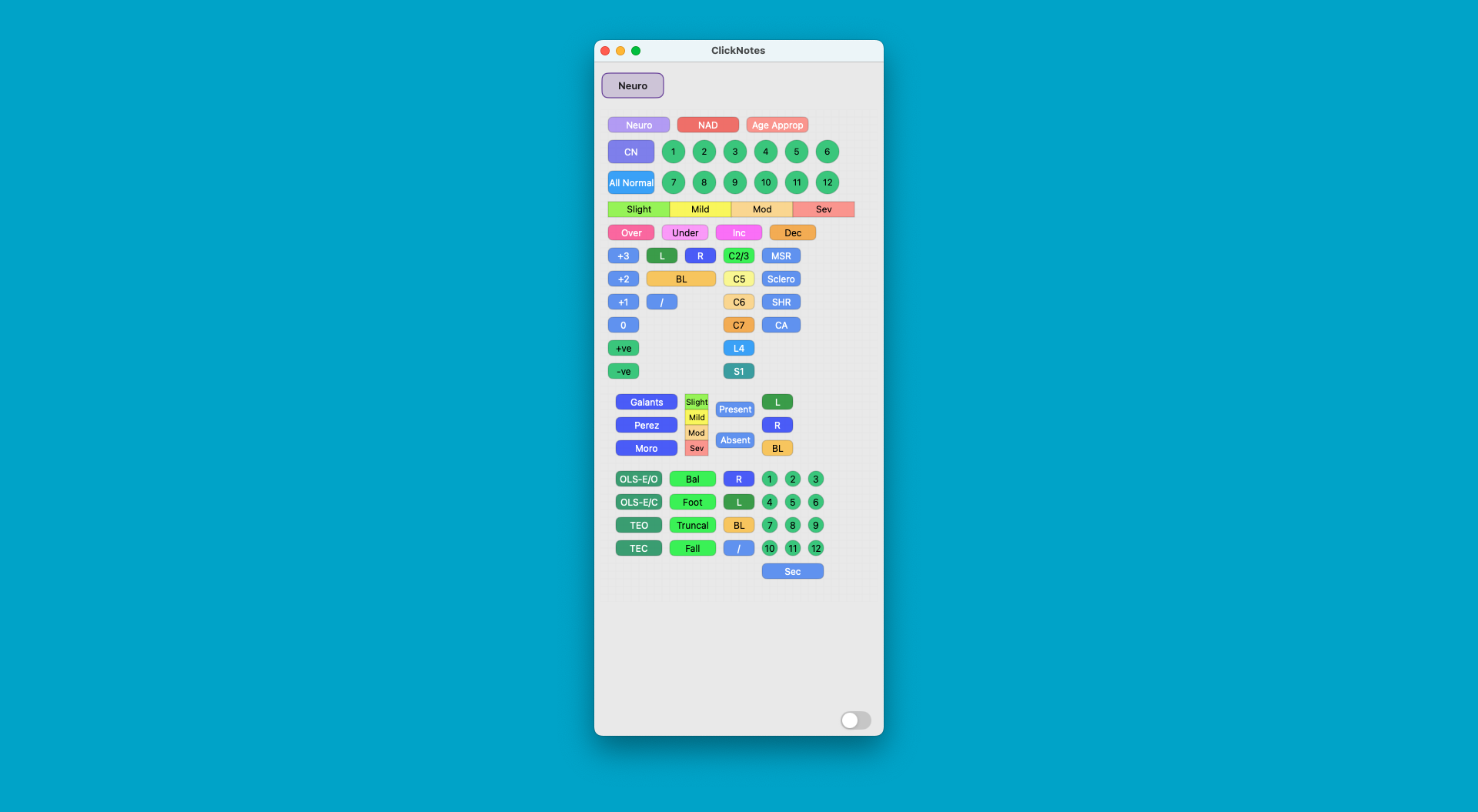
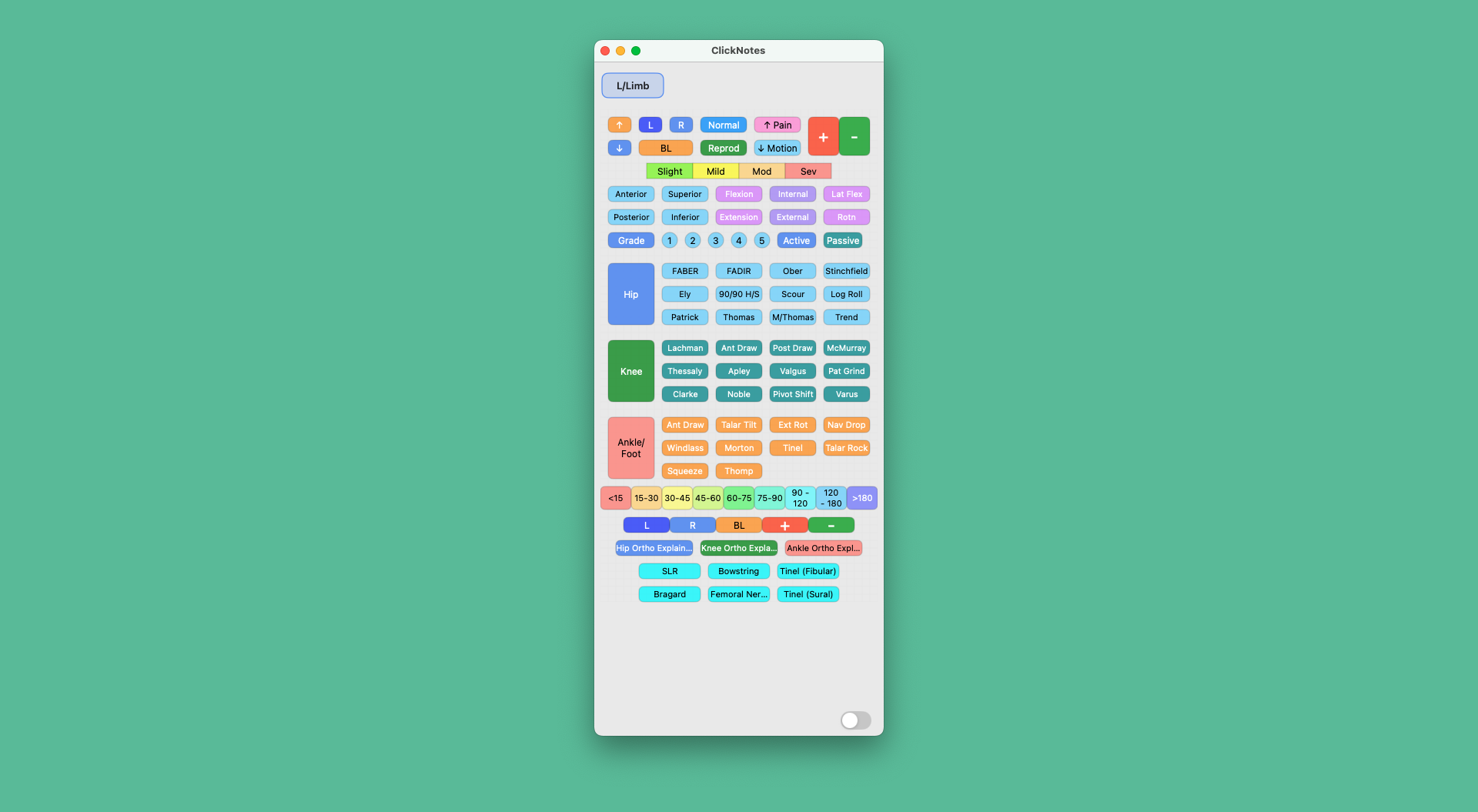
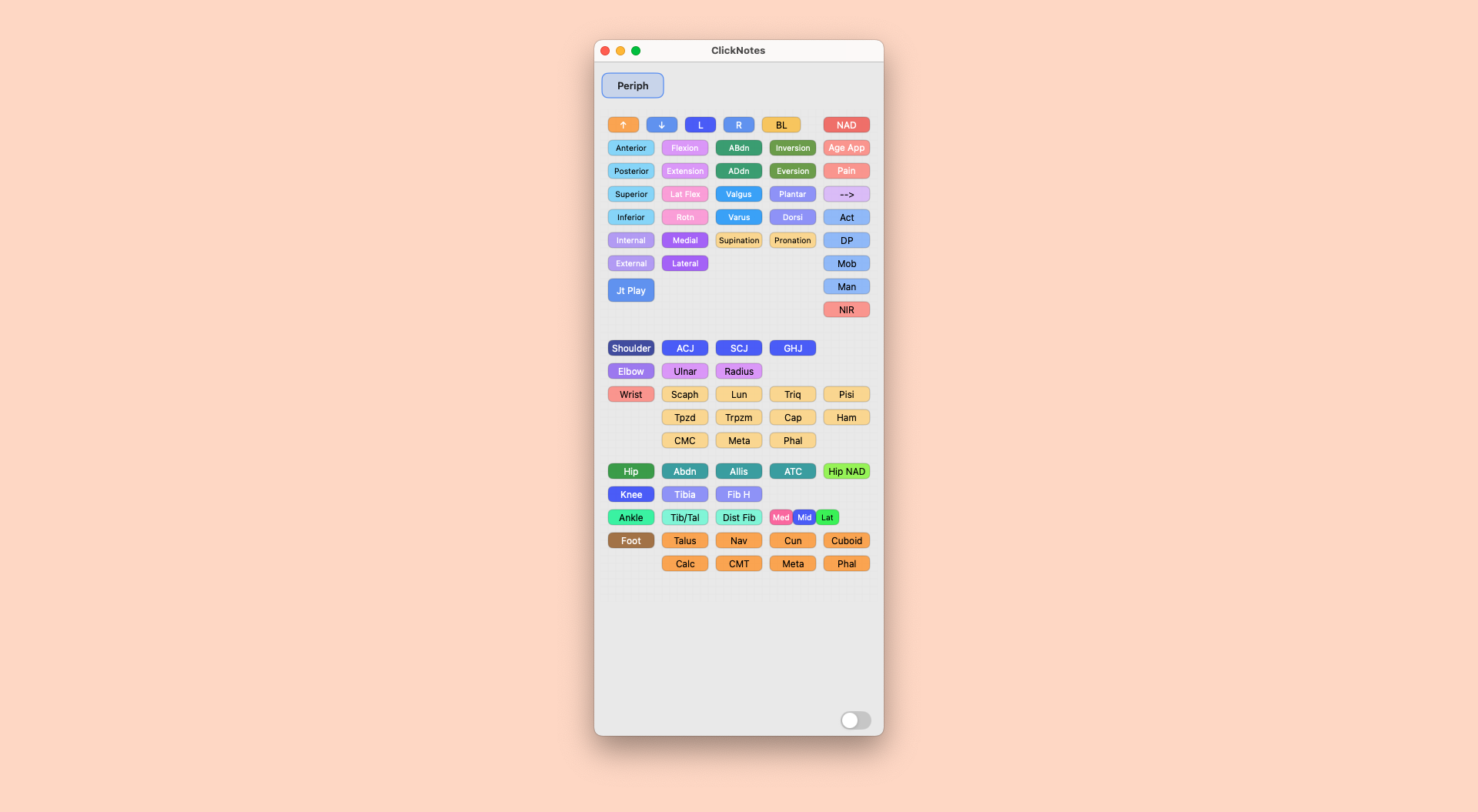
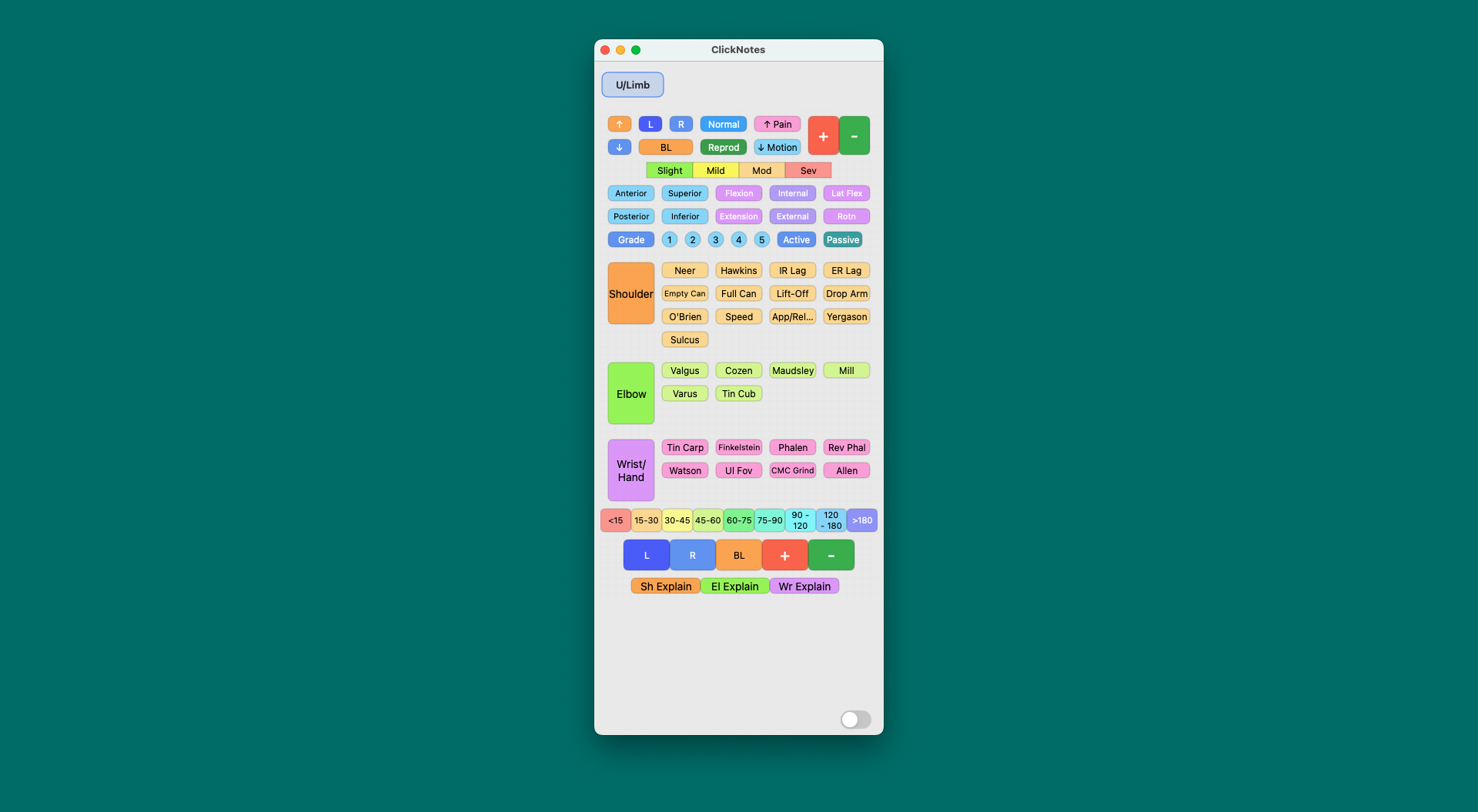
Each panel is a grid of buttons you configure yourself. Every button holds a phrase, template, image, link, or file — whatever you use most. Tap a button and it appears instantly in whatever app is in focus.
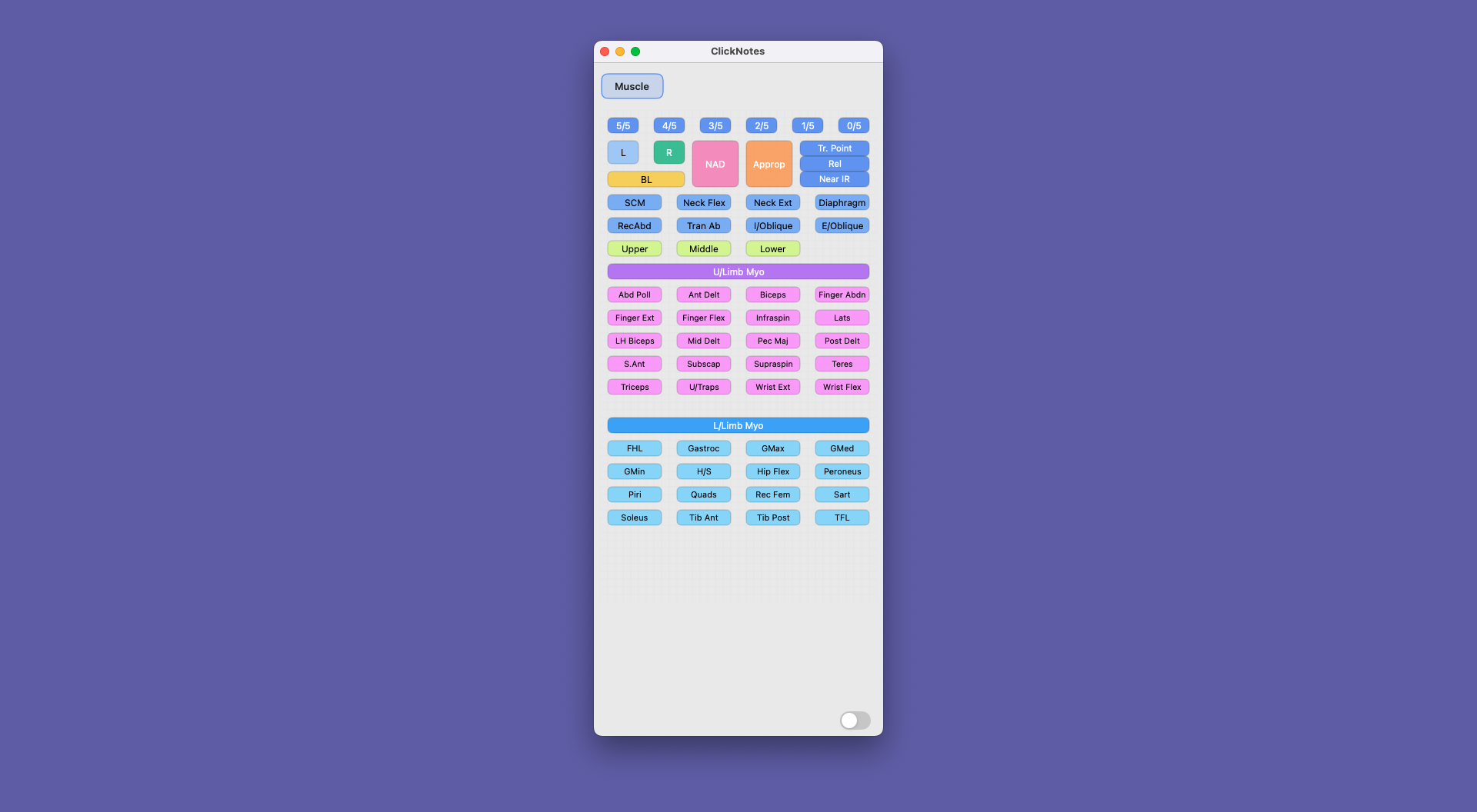
ClickNotes uses macOS and Windows Accessibility APIs to type text directly into the active field of any app — your EHR, practice management software, email client, or even a browser tab.
Works with Cliniko, Nookal, Halaxy, Jane App, Power Diary, Best Practice, Medical Director, and any other app that accepts keyboard input.
Every button in ClickNotes can be configured to perform one of four actions. Mix and match across a panel to build exactly the workflow you need.
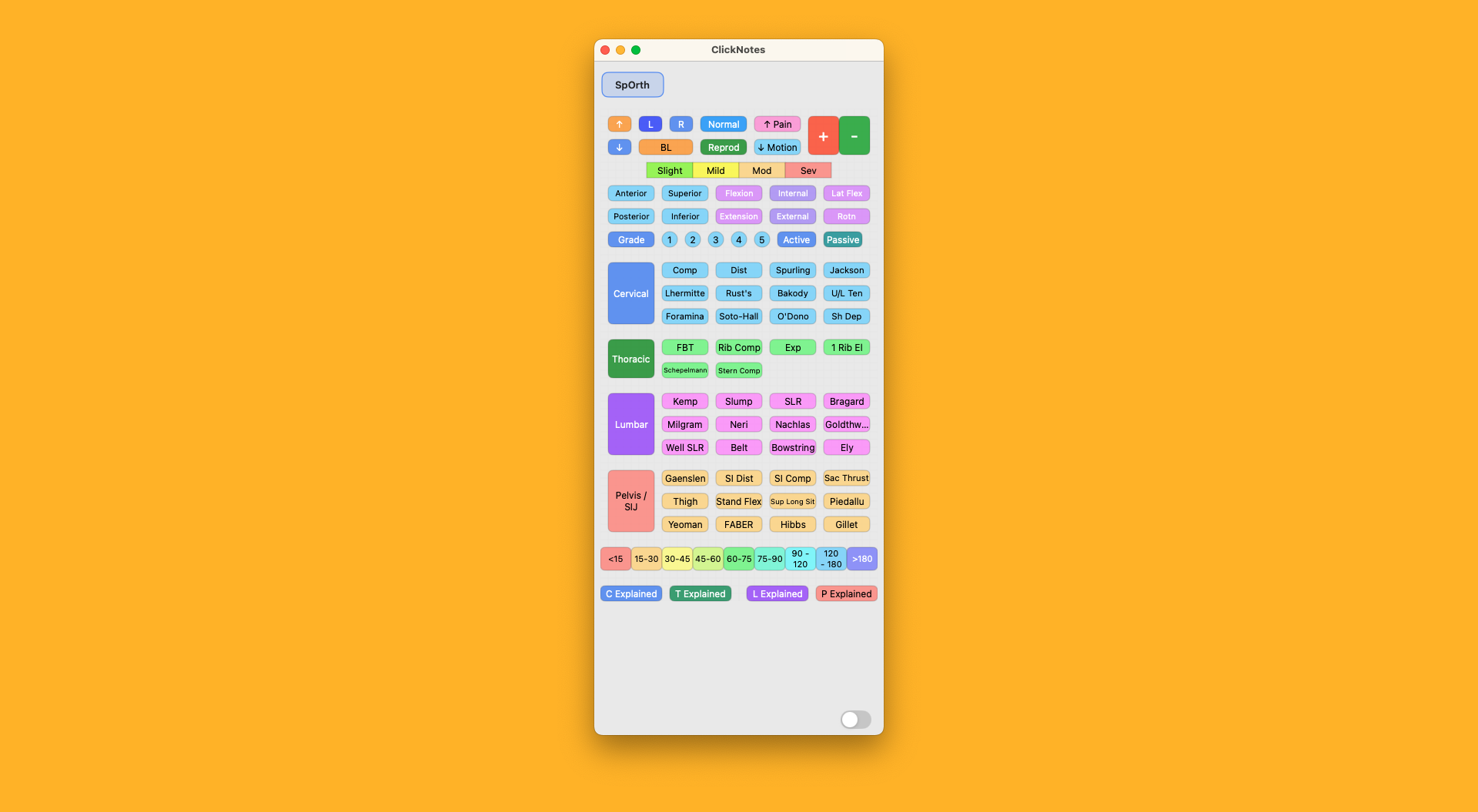
The built-in Panel Builder lets you drag, drop, resize, and colour-code buttons to build a layout that matches the way you think. No coding, no configuration files.
Or skip the building altogether — import a ready-made panel from the Panel Library with one click and start using it immediately.
Download free panels for common clinical workflows, or purchase premium specialty panels. Import with one click — they appear immediately in the app.
Download ClickNotes free for 14 days. No credit card required. Works on macOS, Windows, iPad, iPhone, and Android.
 macOS
Version 1.4.1
Download for Mac
macOS
Version 1.4.1
Download for Mac
 Windows
Version 1.4.0
Download for Windows
Windows
Version 1.4.0
Download for Windows
 iOS
Version 1.4.1
Download for iOS via App Store
iOS
Version 1.4.1
Download for iOS via App Store
 Android
Version 1.1.0
Download for Android via Google Play
Android
Version 1.1.0
Download for Android via Google Play
No credit card required for your 14-day trial