

Your most used text just one click away.
ClickNotes is a clinical documentation engine with profession-specific language – just one click for diagnoses, treatment notes, or anything that you choose. Designed for speed and focus.
Works anywhere you can paste text. No cloud required. Your panels live locally.
Colourful & Customisable
Every panel tells a different story.
From vibrant myotome assessments to comprehensive peripheral exams, each panel is designed with its own colour palette and layout. Customise buttons, colours, and layouts to match your specialty and workflow.
- Choose from vibrant colour schemes or create your own
- Import pre-made panels from the library
- Adapt layouts for different clinical specialties
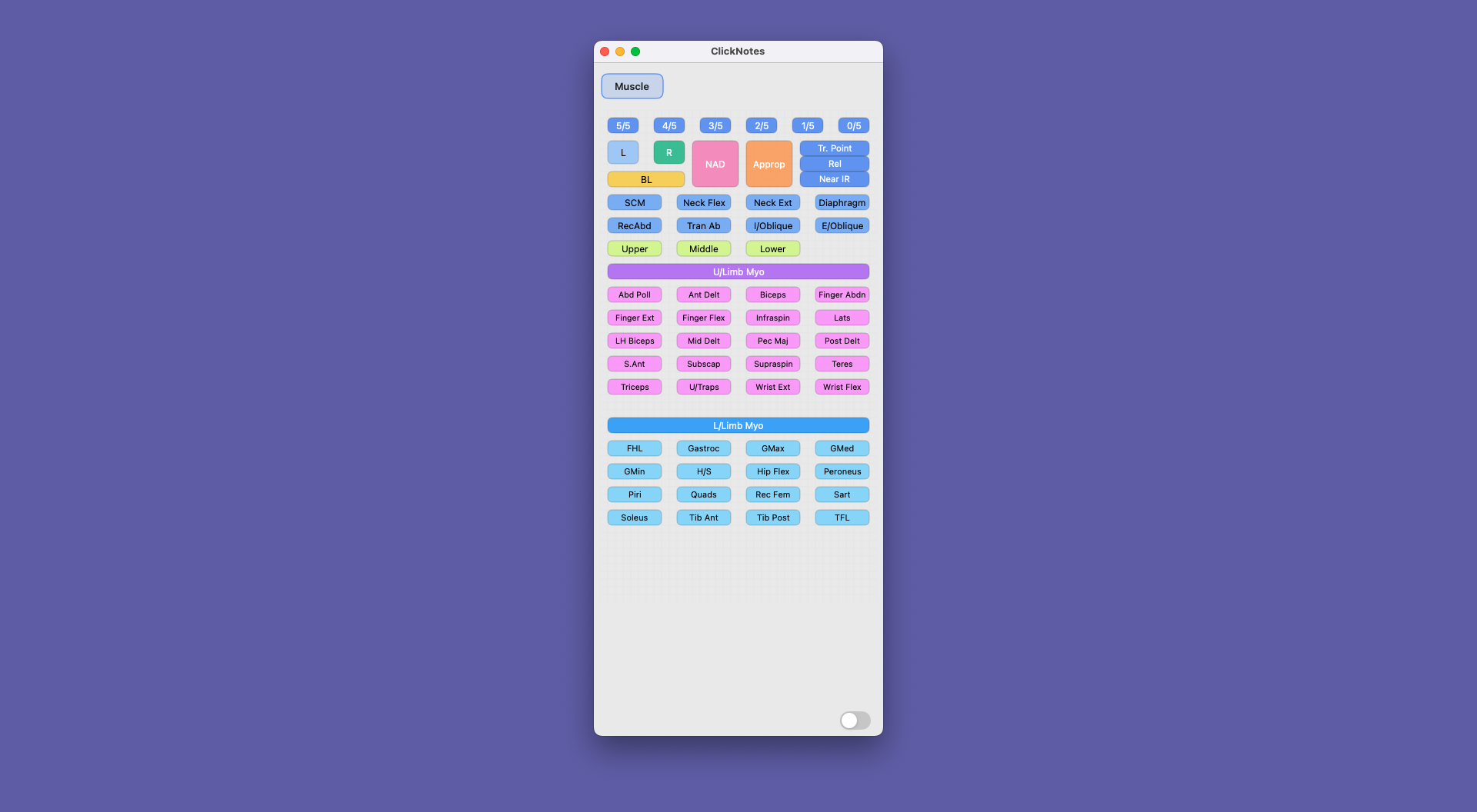
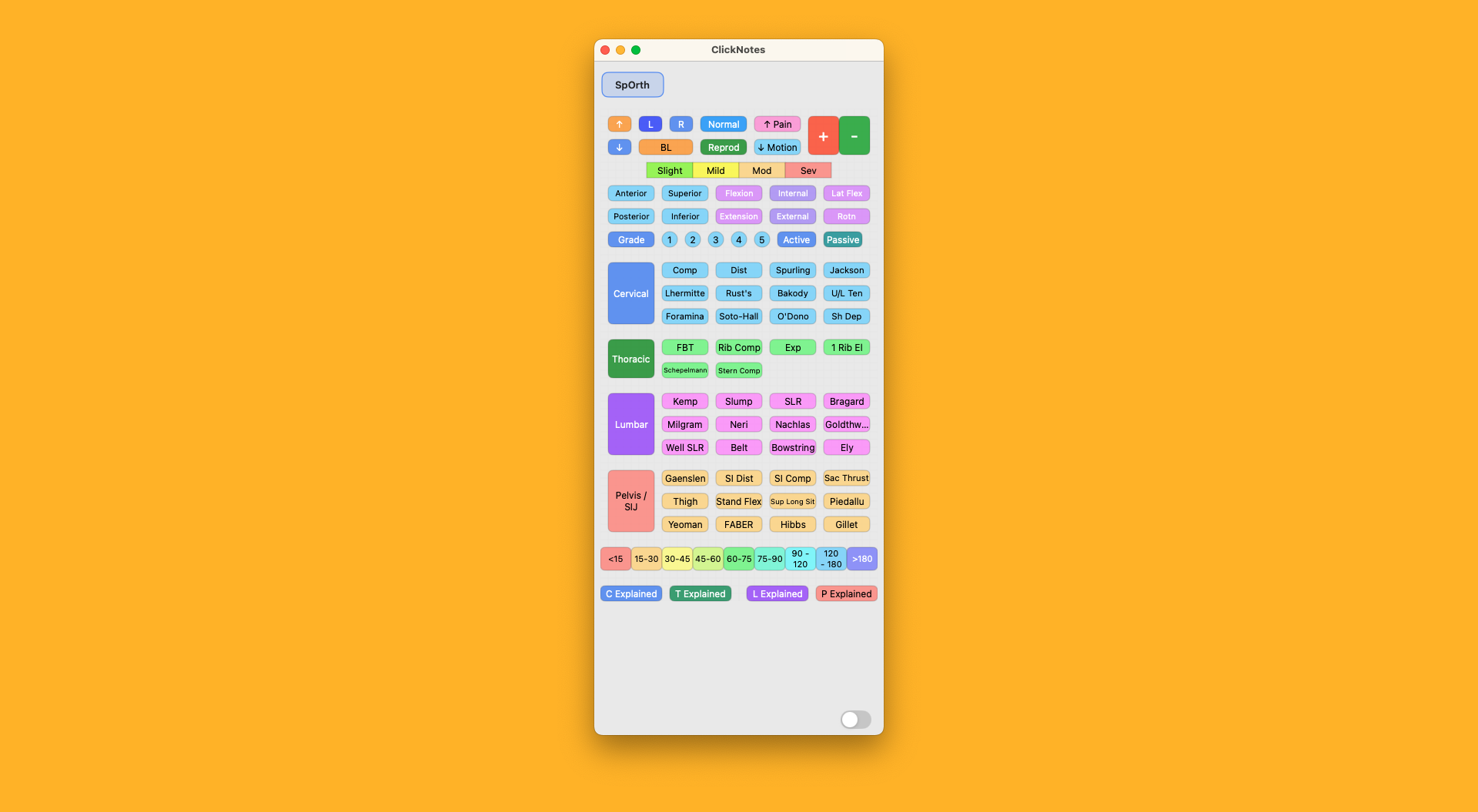
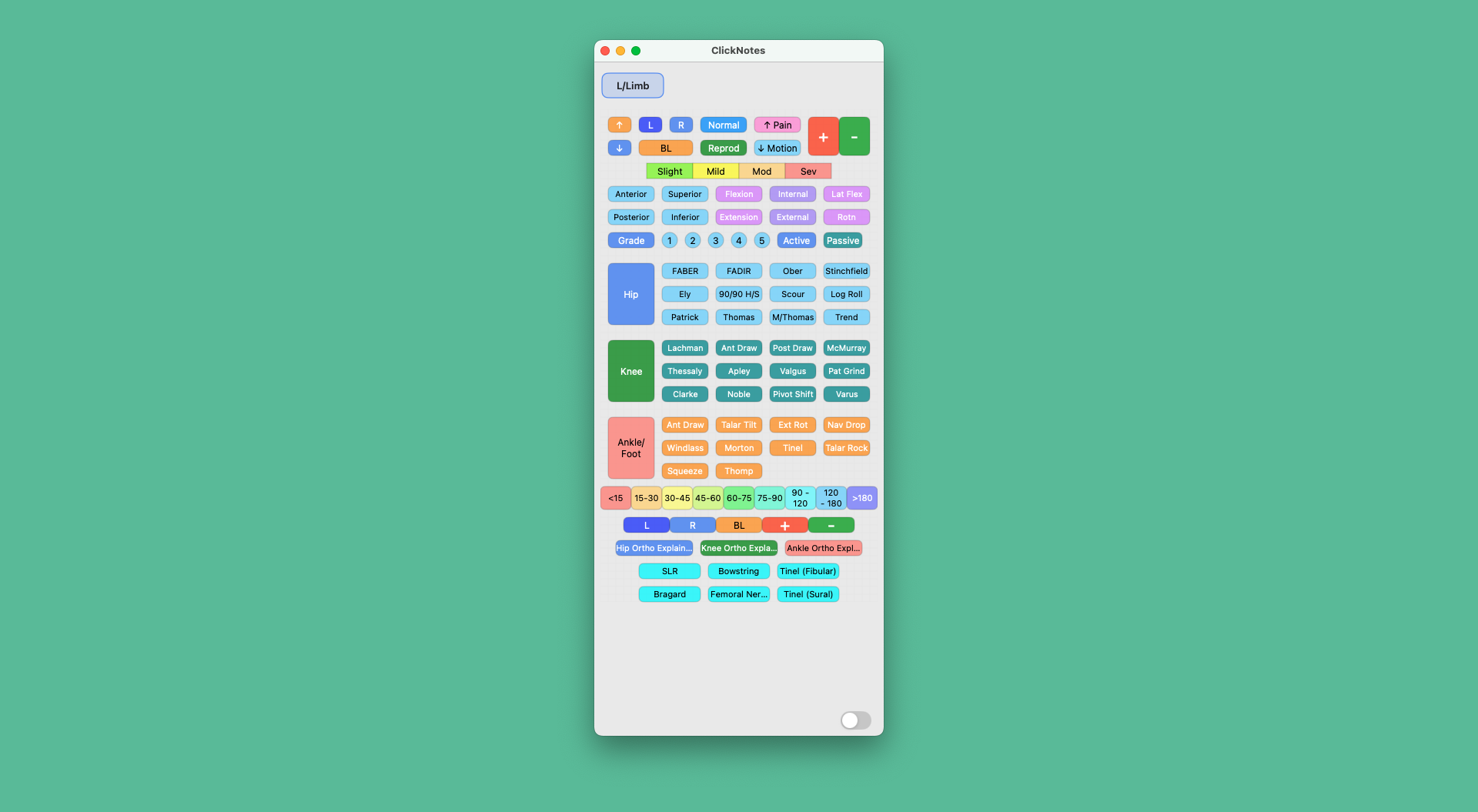
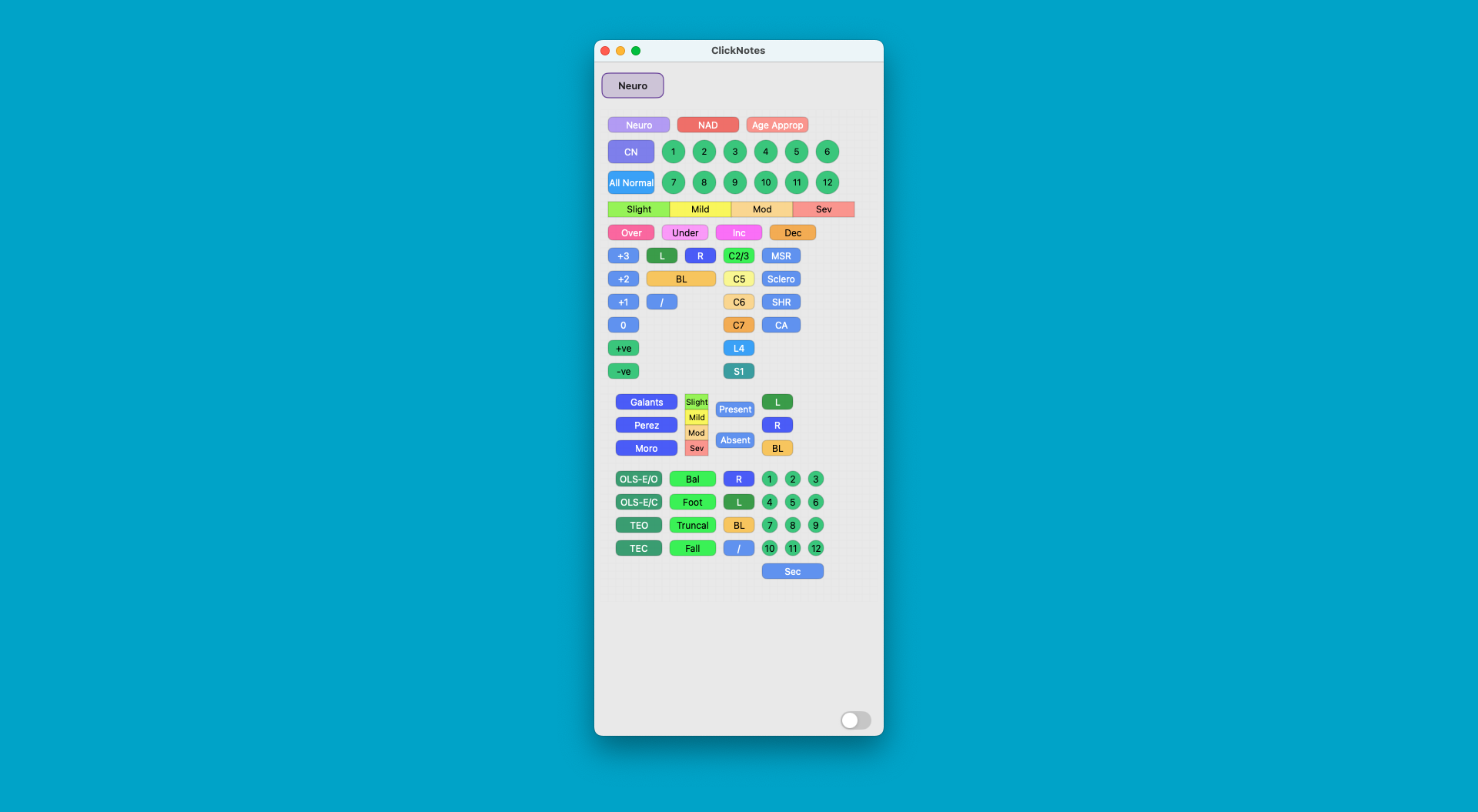
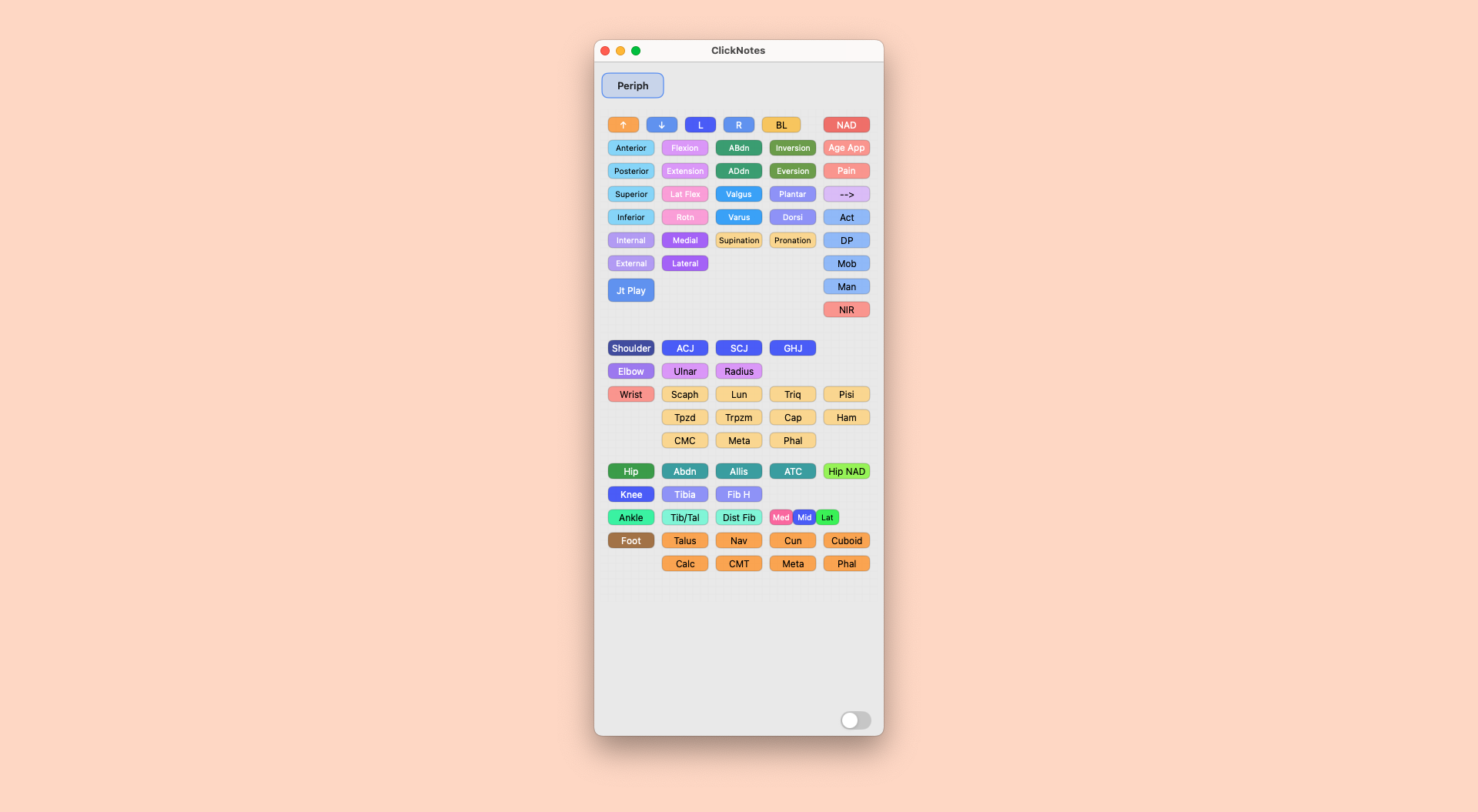
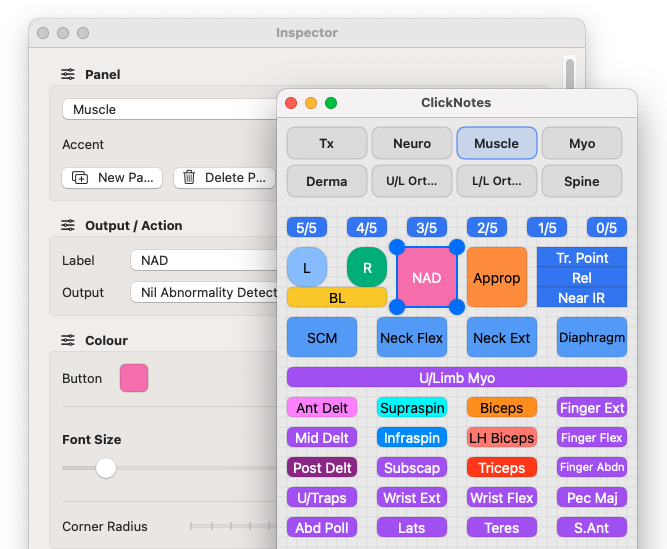
Make every panel precisely what you want.
ClickNotes is built to fit your workflow — not the other way around. Change every button’s shape, colour, label and output so your panel speaks your language and pastes exactly what you need.
- Resize, drag and snap to a 10×10 grid for pixel-precise layouts.
- Pick shapes, button and font colours that match your style.
- Edit labels and outputs instantly — snippets, phrases, even complete templates.
- New ClickNote Panels are constantly created, and can be imported with the click of a button.
Everything you need to type faster
Panels, buttons, and a precise grid so your workflow feels effortless.
Organised layout
Position, resize, and organise buttons into a layout that matches exactly how you think.
Easy to Share your Panels
Share panels across devices or teammates. Keep your layouts portable and versionable.
Beautiful layouts that make sense to you
Snap-to-grid ensures tidy alignment and repeatable layouts both beautiful and readable.
Colours and labels
Set button colours, borders, and labels so your panel matches how your brain thinks.
Stop typing the same things every day
Each button can paste text, phrases, or templates into any app that accepts input.
Panel navigation
Switch panels with navigation tabs. Reorder and rename to match your workflows.
Use it your way
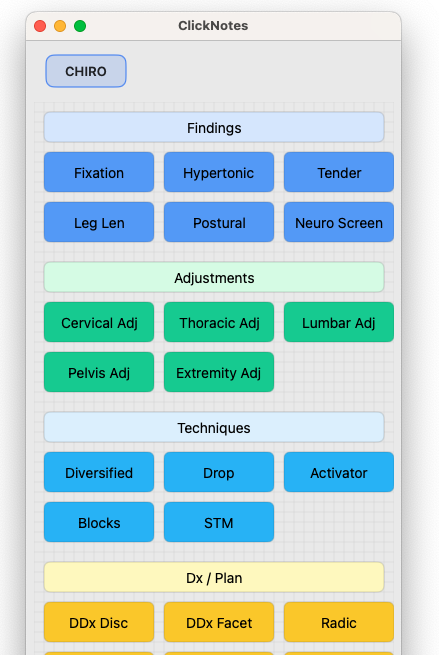
There’s a panel for every chiro.
Swap layouts, colours and phrases so ClickNotes feels at home in any clinic, desk or team.
14-DAY FREE TRIAL
$14.99
AUD per month
Install unlimited custom panels
Build your own panels with built-in Panel Builder with drag & drop function for quick and easy panel creation
Access to free template library
Import & export panels for quick and easy sharing with colleagues or between computers
Cancel anytime, no commitment
No credit card required for trial
Premium panels and Panel Builder Templates are available for one-time purchase in our Panel Library
ClickNotes Roadmap
From core development through to App release and beyond.
1
Core Development
v1.0.0–1.0.3: panel canvas, drag+resize buttons, snap-to-grid, JSON import/export.
2
Private Beta & Panel Library
macOS beta with spinal, myotome and peripheral panels for early testers.
3
Public Mac Beta
Wider TestFlight beta, smoother onboarding and sample panel packs. Windows version in development.
4
Official App Release
ClickNotes for both MacOS and Windows available to download and subscribe, with panels available to download or purchase from the Panel Library.
5
Android & Beyond
Android and iOS/iPad versions developed with cross-platform panel sharing.
FAQ
Which platforms are supported?
MacOS, Windows, and iOS are currently all supported with cross compatibility for panels. There are future development plans for Android devices.
Where are my panels stored?
Locally on your device. Export/import unique clk files to share or back up.
Does it work offline?
Yes — there’s no dependency on a server or cloud to use your panels.
Can buttons trigger keystrokes?
Buttons output text/snippets to wherever your cursor is focused. Advanced actions are frequently added – the latest version now supports image insertion, opening files, and loading websites.
What are my system requirements?
ClickNotes currently requires a Mac running macOS 14.0 or later, on either Intel or Apple silicon. Windows requires Windows 10 (64-bit) or later. Desktop versions are required for panel editing or creation.
Why do you need accessibility access?
ClickNotes needs Accessibility access to output text into other apps. It does not read or upload your notes, and any panels you create are stored locally on your Mac.